What Computer Vision does
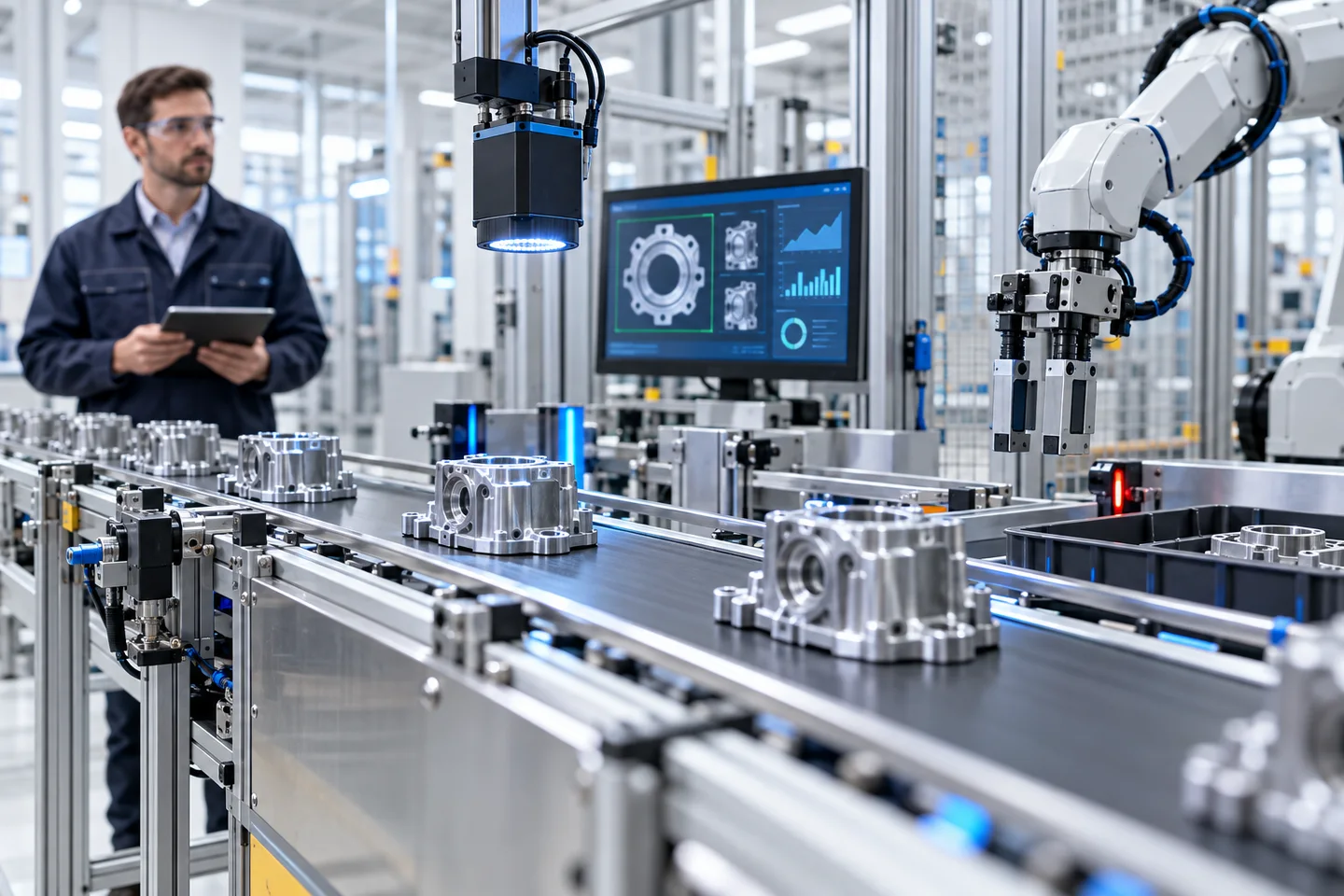
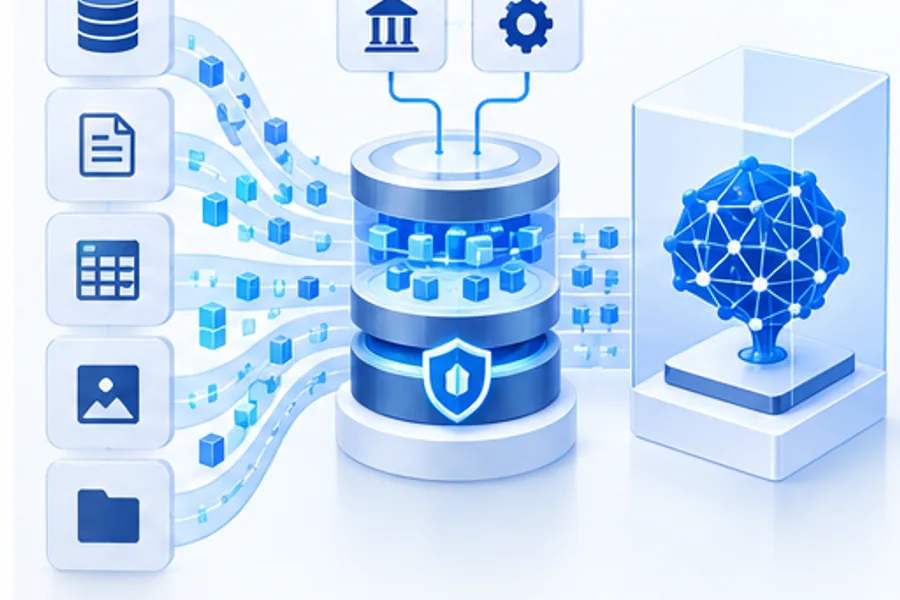
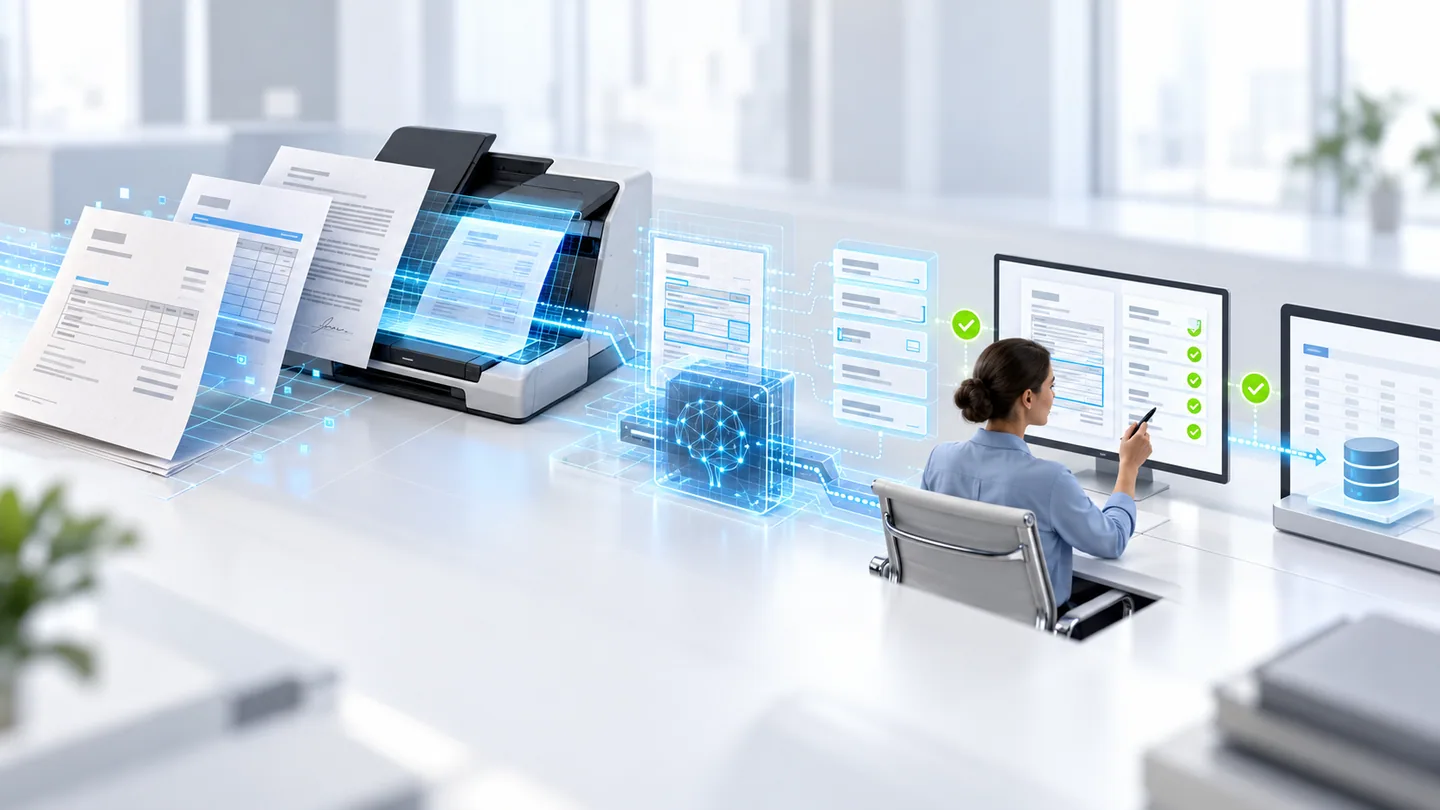
Computer Vision enables software to extract useful information from images or video. Depending on the use case, a system may classify an image, locate objects, read text, segment regions, compare visual states, or track movement. Applications include document processing, visual quality inspection, inventory workflows, and safety monitoring.
The model output is only one part of a working solution. A detection must be connected to an operational decision: whether to route an item for inspection, extract a field for verification, or notify a trained operator. Teams should define acceptable error rates and recourse according to the consequences of false positives and missed detections.
Define the task and capture conditions
Describe the visual input, target labels or regions, operating environment, and downstream action. For a manufacturing inspection, specify the defect classes, product variants, camera setup, and acceptable inspection latency. For document processing, define supported formats, fields, handwriting conditions, and the verification process for uncertain values.
Capture representative data from the actual cameras, lighting, angles, backgrounds, devices, and operating shifts expected in production. Include normal variation and rare but important cases. Establish a labeling guide and measure agreement between annotators; inconsistent ground truth can limit model quality regardless of architecture.
Evaluate beyond a single accuracy score
Select task-appropriate metrics. Classification, object detection, text recognition, and segmentation have different evaluation needs. Examine class-level performance, localization quality, false alarms, missed cases, and performance across devices or environments. A high overall score can hide weak results on a costly defect class or a particular product line.
Keep evaluation data separate from training and tuning. Test changes in lighting, focus, occlusion, motion, compression, and camera position. Define confidence thresholds and send uncertain or out-of-distribution cases to human review. For high-impact environments, validate the entire workflow and its safety controls rather than treating model metrics as proof that operations are safe.
Integrate the model into real operations
A Computer Vision deployment may run in the cloud, on premises, or at the edge near a camera or production line. The choice depends on response time, connectivity, hardware, privacy, data-transfer costs, and the need to continue during network outages. Integrate with the systems that manage work orders, inventory, document records, or inspection results, and make the source image available to authorized reviewers.
Design the failure path explicitly. If a camera is unavailable, image quality is poor, or the model service times out, the process should not silently treat an item as approved. Store enough context to investigate an outcome, protect images and personal data, and ensure the operator can override or escalate a recommendation where appropriate.
Define an event contract between the camera and operations
In a shipment-checking scenario, a camera event might contain a timestamp, station identifier, candidate item or label, observed count, supporting frame, and confidence information. An integration service compares that observation with the shipment manifest. Keep the observed count and the expected count separate so an operator can inspect the discrepancy. A visual observation should not silently overwrite inventory in the WMS.
Account for a box moving out of view and returning, multiple cameras observing the same item, and unreadable labels. Use explicit event correlation and review rules to prevent repeated observations from becoming duplicate stock movements. Define how long supporting images are kept, who can view them, and what evidence an operator needs to close an exception.
Validate the capture setup before retraining the detector
When performance drops on one shift, inspect lighting, lens cleanliness, camera movement, occlusion, and motion blur before assuming the model needs more training. Compare false alerts and missed events across stations and conditions. Retain a small authorized review set that reflects these differences, with labels checked by people who understand the operation.
For a line pilot, define acceptable missed events, manual-review load, end-to-end alert delay, and behavior when the camera disconnects. Confirm that the receiving team can act on the alert during normal work. For worker-safety use, treat vision alerts as supplemental information unless the whole system has been engineered and validated for the relevant safety function. An ordinary AI camera is not automatically a certified protective device.
Monitor drift and maintain the system
Monitor image quality, input distributions, model latency, error rates, review volumes, and downstream outcomes. Changes to products, packaging, camera hardware, lighting, or workflow can affect performance. Sample and review production cases under appropriate governance, and track whether false alarms or missed cases are changing.
Assign responsibility for updating labels, evaluating new model versions, calibrating equipment, and responding to incidents. Version the model with its training data, configuration, and evaluation results. Use staged deployment and rollback controls for changes. A reliable Computer Vision system is an operating capability that connects perception, people, equipment, and business records—not just a model endpoint.