What AI integration means in an enterprise
AI integration is the engineering work of connecting model capabilities to the applications, data, users, and processes where useful work happens. It can include adding an AI feature to an existing product, connecting a language model to approved company knowledge, routing model output into a review queue, or using machine learning predictions inside an operational system. The model is one component; the complete integration includes identity, permissions, data movement, user experience, monitoring, and support.
A proof of concept may call a model API and return an answer. A production integration must also handle access control, timeouts, retries, malformed responses, changing model versions, sensitive data, and user expectations. Teams should define what the system is allowed to do, what evidence it must present, and how people can correct or escalate results before connecting it to high-impact workflows.
The goal is not to connect every system to every model. The goal is to make a bounded capability useful inside a specific process, with clear accountability and measurable outcomes.
Map the workflow before selecting connectors
Begin with the user’s task and the current process. Identify who initiates the work, which systems hold authoritative information, what decisions are made, where delays or rework occur, and what a successful result looks like. Map each handoff, including manual checks, exceptions, and approvals. This prevents an integration project from optimizing a model response while leaving the underlying workflow unchanged.
Next, classify the information and actions involved. Determine which data may be retrieved, which users may access it, whether outputs can be stored, and whether the system may create or update records. Separate read-only assistance from actions that change a customer account, financial record, or operational state. For consequential actions, keep authorization and business rules in systems designed to enforce them rather than relying on a generated answer.
A small workflow map becomes an integration contract: named data sources, approved APIs, identity propagation, expected inputs and outputs, success criteria, and escalation paths.
Explore: AI Integration services
Choose an architecture that preserves control
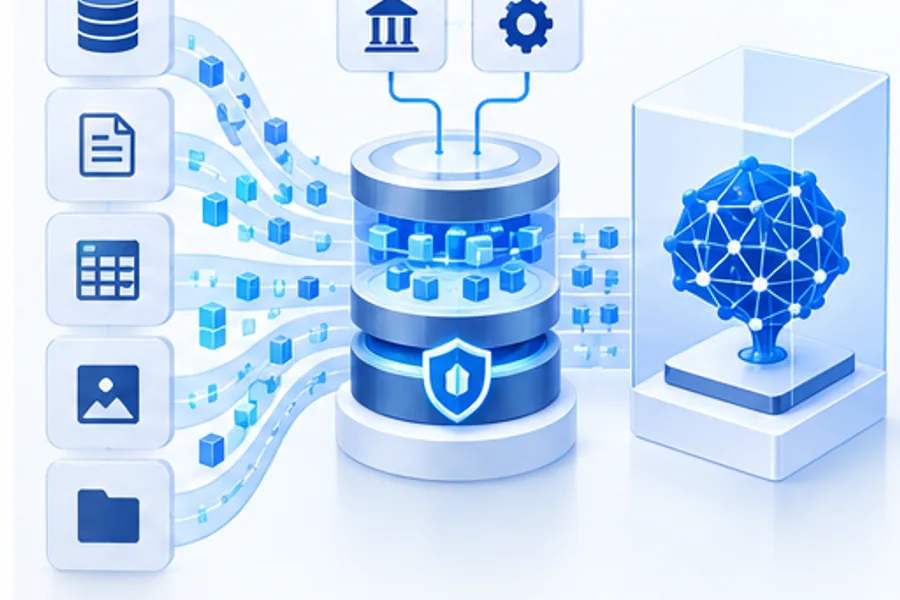
A practical AI integration architecture often has a user experience, an orchestration layer, model and retrieval services, and connectors to systems of record. The orchestration layer applies task-specific rules, manages context, invokes only approved tools, and handles errors. This separation makes it easier to replace a model provider or connector without rewriting the whole product, and gives platform teams a place to apply shared policies.
Use standard APIs and narrow interfaces where possible. Give each integration the minimum permissions required for its task, scope credentials to an application identity, and avoid sending secrets or unnecessary personal data in prompts and logs. Apply deterministic validation to structured outputs before they are stored or used. If a workflow can be completed through a reliable rule or conventional service call, do not add a model step simply because one is available.
Plan for provider and dependency changes. Record the model and prompt versions, connector configuration, retrieval settings, and relevant evaluation results for each release. Define acceptable fallback behavior when a model or downstream system is unavailable; a clear pause or handoff is safer than a success-shaped response that was never verified.
Build security and data governance into the connection
Every new connector creates a path through which information can move. Review data classification, user entitlements, retention, residency, encryption, and logging before implementation. Retrieval must preserve the caller’s access rights: an assistant should not expose a document merely because the service account can read it. Test authorization at the level of users, groups, records, and actions that matter to the workflow.
Treat retrieved documents and external inputs as data, not trusted instructions. Preserve source identifiers and permissions, filter or isolate untrusted content, and do not let text from a document grant new tool authority. Keep secrets in managed credential stores and out of source code, prompts, browser clients, and traces. Give security and privacy owners an opportunity to review changes to data flows and connected capabilities.
Governance should be specific enough to operate. Name the business owner and technical owner, document allowed uses and prohibited actions, set an escalation route, and define how access is revoked or a connector is disabled during an incident.
Evaluate the full integration, not only the model
A model benchmark cannot establish that an integrated workflow is reliable. Test the complete path using representative users, permissions, data, and system states. Measure task completion, factual support, correct source use, authorization behavior, latency, retries, tool-call success, human correction, and the consequences of failure. Include empty, stale, conflicting, malformed, and inaccessible data rather than testing only ideal examples.
Define expected behavior for uncertainty. The system may need to ask a clarifying question, abstain, route a case to a person, or explain that a connected service is unavailable. Test that the interface communicates these states accurately and does not imply that an action succeeded until the system of record confirms it. Use a held-out evaluation set and have domain owners review cases where a wrong answer or action would matter.
After launch, monitor both technical and business signals. Watch integration errors, permission denials, data freshness, model quality, latency, cost, user corrections, and outcomes against the original baseline. Re-evaluate when a model, prompt, connector, data source, or workflow changes.
Explore: AI Testing services
Roll out AI integration in measured stages
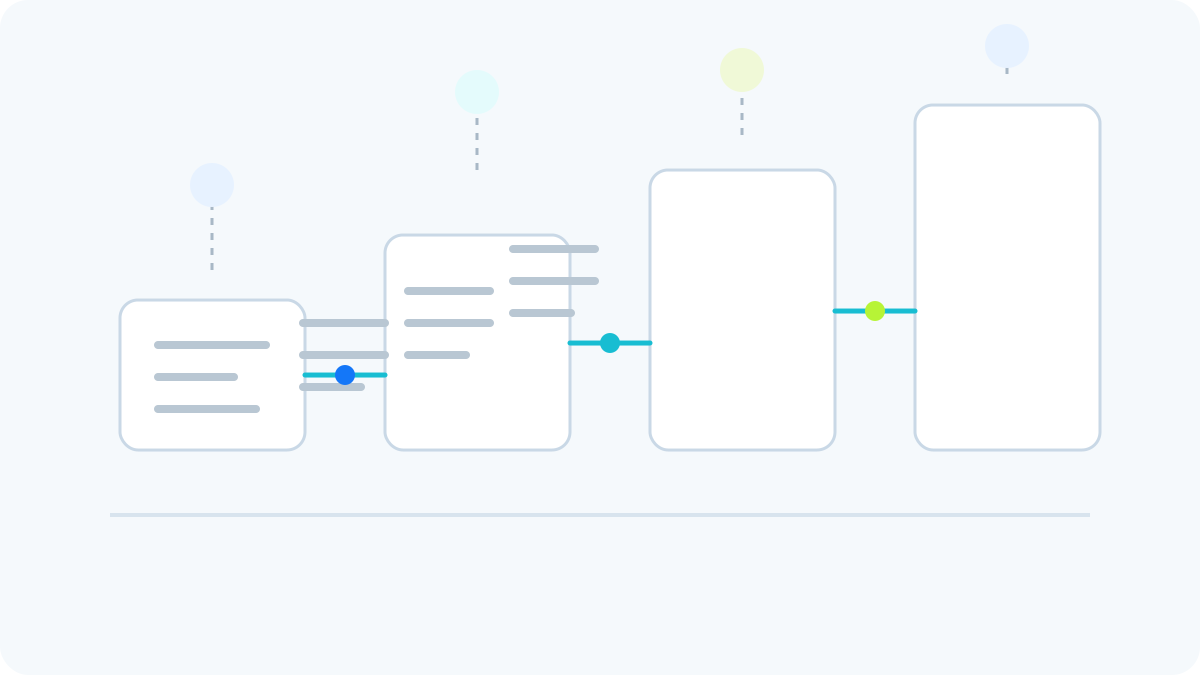
A staged rollout reduces uncertainty. First validate architecture and data access with a narrow prototype using approved test data. Then run offline evaluations, security checks, and user acceptance reviews. A limited pilot can measure real usage and exceptions while keeping actions read-only or approval-gated. Broader rollout should follow only when owners understand performance, operating cost, support needs, and residual risks.
Create an operational runbook before relying on the integration. Specify who responds to incidents, how users report incorrect results, how to switch off a connector, how to roll back a model or prompt change, and how to recover from partial downstream updates. Train affected teams on the system’s intended use and limitations. The result is not just an AI feature; it is a supported capability with clear ownership.
FIX Intelligence helps teams assess workflows, design AI and API architecture, connect approved data and applications, and evaluate production readiness. A focused integration plan can turn an isolated experiment into a useful, governable part of everyday operations.